Share a collection via link or QR code
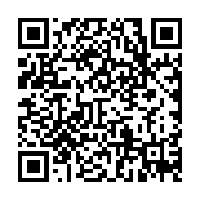
Send a whole collection with one link or a QR code. The people you share with can open it without an account, and you stay in control of who sees what.
Share your collection
Open the collection
Open the collection you want to share.Choose Share
Open the collection’s share option to get a single link or a QR code.Send the link or QR code
Copy the URL to send it anywhere, or let someone scan the QR code to open the collection.
No account needed to view
Share a complete collection through a single URL or QR code — no account is required for viewers to open it.Visibility controls who can see it
Sharing follows the collection’s visibility setting. A Private collection stays visible only to you. A Shared collection is visible to the people you send the link or QR code to. A Public collection is eligible to appear in Discover for the iLinkVault community. Share links and QR codes provide access based on the settings you choose.
Publishing to Discover
When you publish a collection to Discover, it is checked automatically before it appears. Automated checks do not mean every public collection is manually reviewed before appearing. Anyone can report a public collection or link, and iLinkVault may review, block, restrict, or remove content that breaks the Community Guidelines.
Frequently asked questions
Get iLinkVault
Install free and share a collection with a single link or QR code.
Get the mobile app